
In today’s digital world, having a website is no longer optional. Whether you are a beginner, freelancer, or small business owner, a website helps you build credibility, attract customers, and grow online. Among the many website platforms available today, WordPress website development stands out as a flexible, beginner-friendly, and cost-effective option.
WordPress powers a large share of websites on the internet because it is easy to use, customizable, and powerful enough for both simple and advanced projects. In this WordPress Website Development for Beginners guide, you will learn how WordPress works, how to build a website step by step, and how to improve its design, SEO, security, and performance.
If you are planning to build a professional WordPress website for a business, personal brand, portfolio, or online store, this guide will give you a solid foundation.
What Is WordPress?
WordPress is an open-source content management system (CMS). In simple words, it allows you to create and manage websites without needing advanced coding skills.
There are two types of WordPress:
WordPress.com vs WordPress.org
- WordPress.com
- Hosted platform
- Limited customization
- Good for personal blogs
- WordPress.org
- Self-hosted
- Full control and customization
- Best for businesses, freelancers, and professionals
For professional WordPress website development, WordPress.org is generally the better option because it gives you greater control over themes, plugins, hosting, customization, SEO, and website functionality.
Why Choose WordPress for Website Development?
WordPress is popular because it fits almost every type of website.
Key Benefits of WordPress
- Beginner-friendly dashboard
- Thousands of free and paid themes
- Powerful plugins for extra features
- SEO-friendly structure
- Secure and scalable
- Suitable for blogs, portfolios, business sites, and eCommerce
Whether you are building your first website, creating a business website, or offering website services to clients, WordPress for beginners provides a practical starting point. As your skills improve, you can move from basic website creation to advanced WordPress development.
How WordPress Works (Simple Explanation)
WordPress works using three main elements:
- Core – The main WordPress system
- Themes – Control design and layout
- Plugins – Add functionality (contact forms, SEO, security, etc.)
You manage everything from an admin dashboard, making updates easy even for non-technical users.
Getting Started with WordPress Website Development
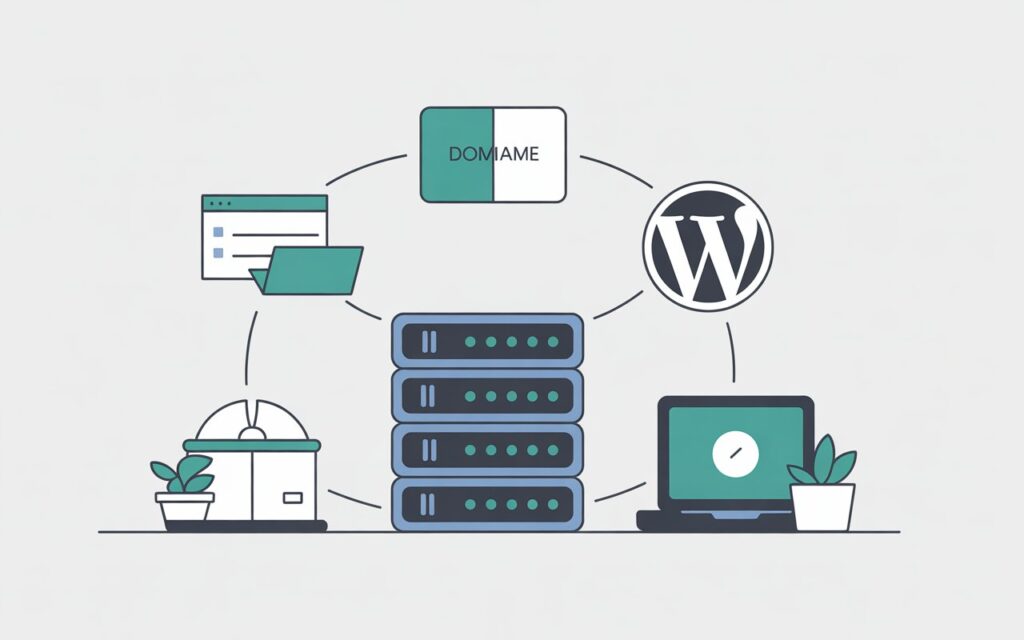
Choosing Domain and Hosting
Before installing WordPress, you need:
- Domain name (example: yourbusiness.com)
- Web hosting (where your website files are stored)
Popular beginner-friendly hosting providers:
- Bluehost
- Hostinger
- SiteGround
Most hosting providers offer one-click WordPress installation.Professional WordPress Website Services
Installing WordPress Step by Step
Installing WordPress is simple:
- Log in to your hosting control panel
- Click “Install WordPress”
- Enter site details (name, username, password)
- Click install
Within minutes, your website is live.
Understanding the WordPress Dashboard
Once logged in, you will see the WordPress dashboard.
Important Dashboard Sections
- Posts – For blogs and articles
- Pages – Static pages like Home, About, Contact
- Appearance – Themes, menus, customization
- Plugins – Install and manage plugins
- Settings – Website configuration
Spend time exploring the dashboard to feel confident.
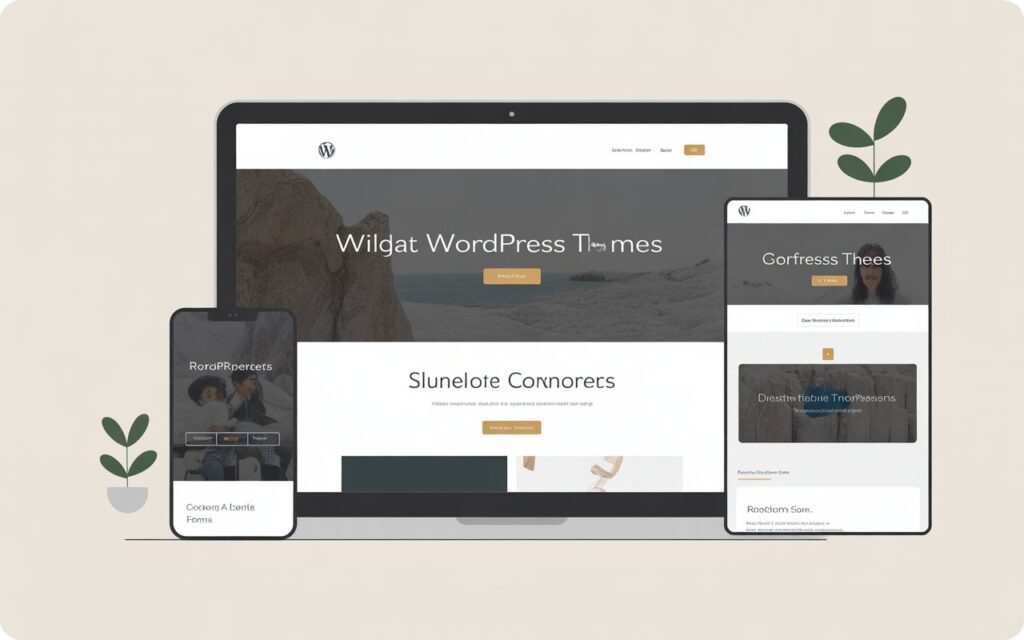
WordPress Themes: Design Made Easy
Themes control how your website looks.WordPress website design
Types of WordPress Themes
- Free themes (WordPress library)
- Premium themes (ThemeForest, Envato, etc.)
What to Look for in a Theme
- Mobile responsive design
- Fast loading speed
- SEO-friendly structure
- Regular updates
Popular beginner themes:
- Astra
- GeneratePress
- OceanWP
WordPress Plugins: Add Powerful Features
Plugins extend WordPress functionality.
Essential WordPress Plugins
- SEO – Yoast SEO or Rank Math
- Security – Wordfence or iThemes Security
- Backup – UpdraftPlus
- Performance – WP Rocket or W3 Total Cache
- Forms – Contact Form 7 or WPForms
Using the right WordPress themes and plugins helps you build professional websites easily.
Creating Pages and Content in WordPress
WordPress uses a block editor called Gutenberg.
Common Pages Every Website Needs
Each page can be customized using blocks like text, images, buttons, and columns.
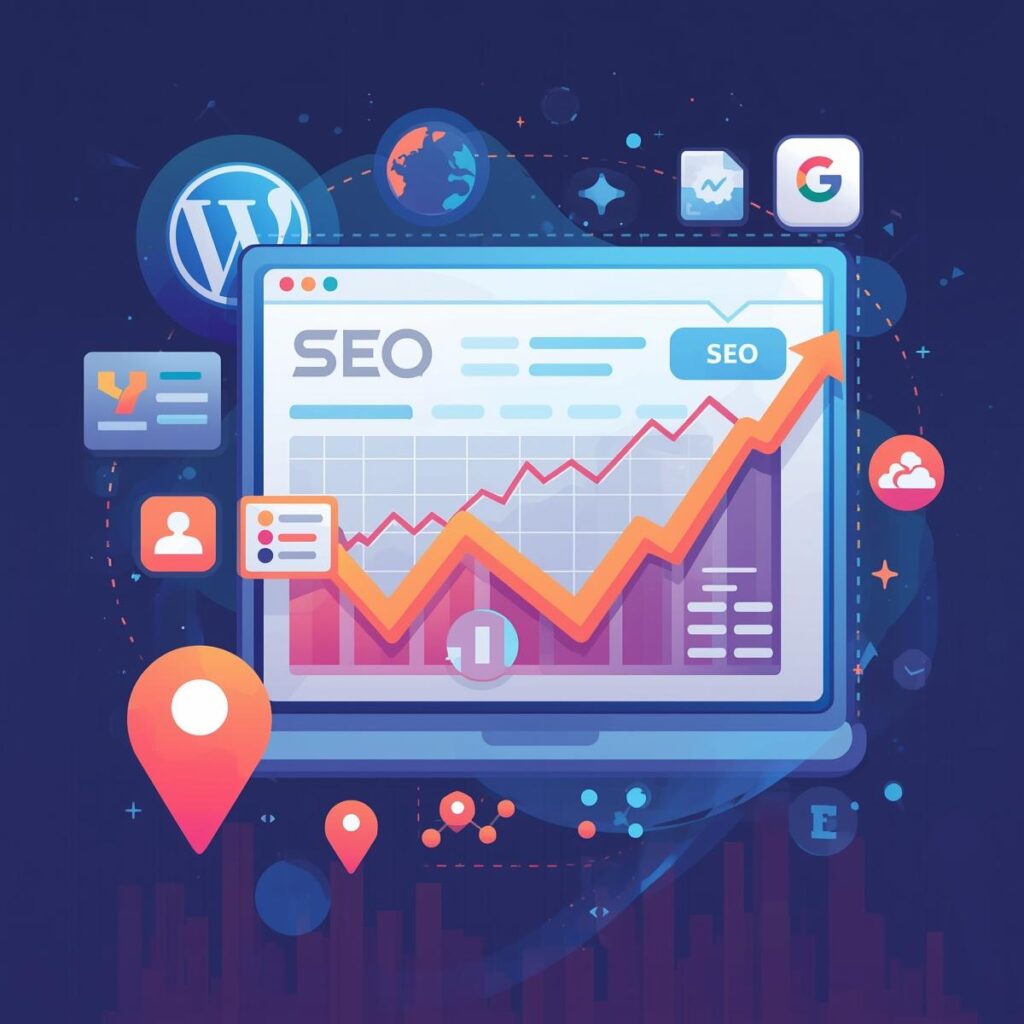
WordPress SEO: Rank Higher on Google
SEO helps your website appear in search engines and attract organic traffic.WordPress SEO services
Basic WordPress SEO Tips
- Install an SEO plugin
- Use clear URLs
- Optimize headings (H1, H2, H3)
- Add alt text to images
- Write helpful content
Good WordPress SEO improves visibility and traffic over time.
WordPress Security: Protect Your Website
Security is very important for any website.
Best WordPress Security Practices
- Use strong passwords
- Keep themes and plugins updated
- Install a security plugin
- Enable SSL certificate
- Take regular backups
Following proper WordPress security steps keeps your site safe from threats.
Performance and Speed Optimization
Website speed affects user experience and SEO.
How to Improve WordPress Speed
- Use lightweight themes
- Install caching plugins
- Optimize images
- Use a CDN (Content Delivery Network)
A fast website keeps visitors engaged and improves rankings.
Advanced WordPress Development Basics
Once you are comfortable with the basics, you can move toward more advanced WordPress website development techniques and build websites with more customized functionality.
Advanced Options
- Custom post types
- Page builders (Elementor, Gutenberg Advanced)
- WooCommerce for online stores
- Basic CSS customization
This is where WordPress becomes a powerful professional tool.
WordPress for Freelancers and Small Businesses
WordPress is a practical choice for freelancers, startups, and small businesses that need a professional WordPress website without starting with a highly complex development setup.For businesses looking for WordPress website development in Pakistan, choosing a reliable hosting setup, mobile-friendly design, proper SEO, and ongoing maintenance can make a significant difference.
How Freelancers Use WordPress
- Build client websites
- Offer maintenance services
- Sell themes or plugins
- Create portfolio sites
Small businesses can manage their websites without technical help.
Common Mistakes Beginners Should Avoid
- Using too many plugins
- Ignoring backups
- Choosing heavy themes
- Not focusing on SEO
- Skipping security
Avoiding these mistakes saves time and money.
Conclusion
WordPress website development for beginners becomes much easier when you learn it step by step. From choosing a domain and hosting to working with themes, plugins, SEO, security, and performance optimization, WordPress provides everything you need to build and manage a professional website.
Whether you want to create a personal website, business website, portfolio, online store, or start offering website development services to clients, learning WordPress can be a valuable skill.
Start with the basics, practice regularly, and gradually move toward advanced WordPress development. With the right approach, you can create fast, secure, user-friendly, and SEO-friendly websites.
If you need a professional WordPress website for your business, AdTaxify can help with website design and development.
Contact
Adtaxify – Your One-Stop Hub for Digital Growth & Tax Clarity
Phone/WhatsApp: 03322623585
Email: Info@adtaxify.com