
Introduction
A Graphic Design Portfolio is one of the most important tools for anyone pursuing a career in design. Whether you are a student looking for your first job, a freelancer searching for clients, or an experienced professional aiming to grow your career, a strong portfolio helps showcase your skills and creativity. It serves as visual proof of your abilities and demonstrates how you solve design problems through real projects.
Many successful designers and agencies, including AdTaxify, understand the value of presenting work professionally to attract opportunities and build credibility. In this guide, you will learn what a portfolio is, why it matters, how to build one step by step, the best platforms to use, common mistakes to avoid, and practical tips to help your work stand out.
What Is a Graphic Design Portfolio?

A Graphic Design Portfolio is a collection of your best design work presented in a professional format. It highlights your skills, creativity, experience, and design thinking.
A portfolio can be either online or offline.
Online Portfolio
An online portfolio is hosted on a website or portfolio platform and can be accessed from anywhere. It is the preferred option for most modern designers because it is easy to share with clients and employers.
Offline Portfolio
An offline portfolio may be presented as a PDF, printed booklet, or presentation file. It is useful for interviews, presentations, and networking events.
Purpose of a Portfolio
The primary purpose of a portfolio is to demonstrate your capabilities. Instead of telling people what you can do, you show them through actual work.
What Clients and Employers Look For
When reviewing a design portfolio, clients and employers typically evaluate:
- Creativity
- Problem-solving ability
- Technical skills
- Consistency
- Professional presentation
- Industry relevance
A strong graphic designer portfolio clearly communicates all these qualities.
Why Every Graphic Designer Needs a Portfolio

A portfolio is more than just a collection of images. It is a powerful marketing tool for your personal brand.
Builds Client Trust
Clients want proof that you can deliver quality work. A portfolio helps establish confidence before a project even begins.
Improves Job Opportunities
Most design positions require candidates to submit portfolio examples alongside resumes. Employers often place more emphasis on portfolios than formal qualifications.
Helps Win Freelance Projects
As a freelance designer, your portfolio often becomes your primary sales tool. Potential clients evaluate your work before deciding whether to hire you.
Strengthens Personal Branding
Your portfolio reflects your style, personality, and professional identity.
Enhances Professional Credibility
A well-organized portfolio demonstrates professionalism and commitment to your craft.
Essential Elements of a Graphic Design Portfolio
About Me Section
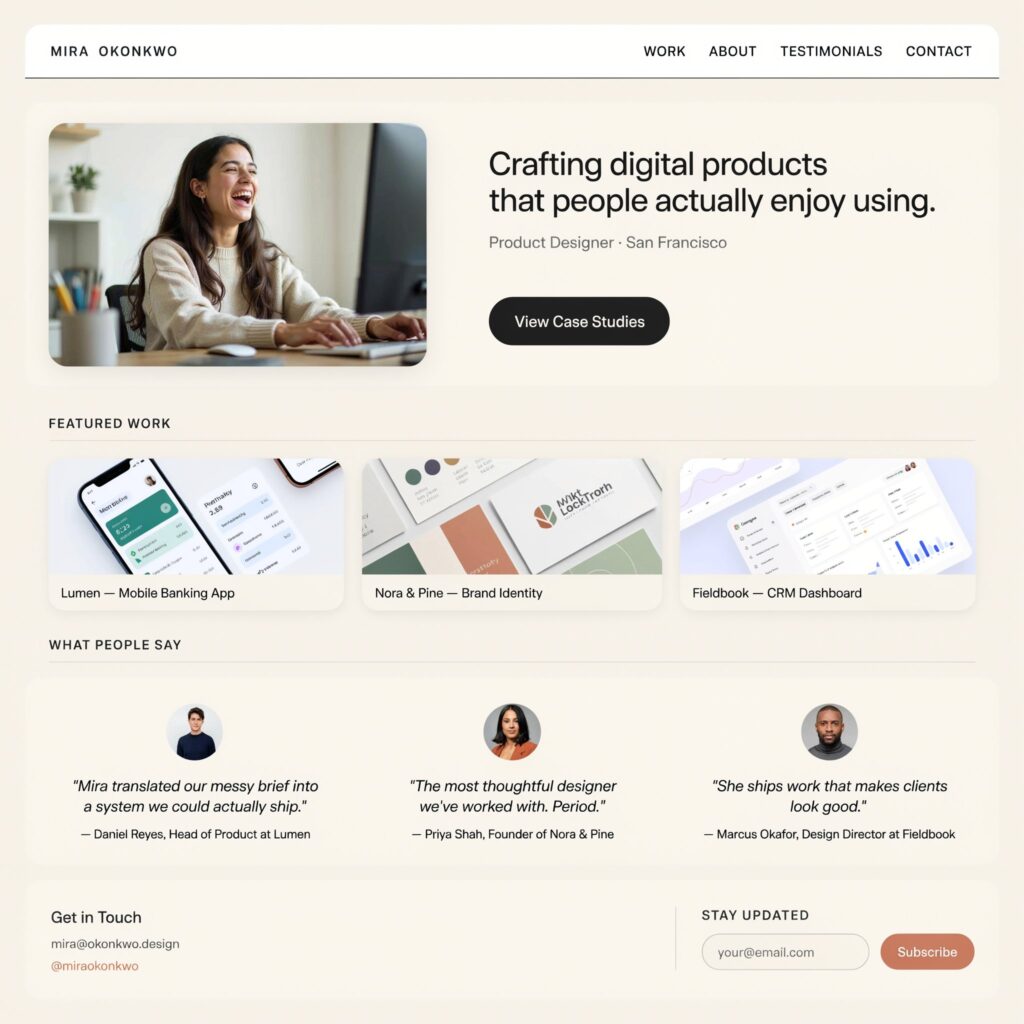
The About Me section introduces you to potential clients and employers.
Include:
- Professional background
- Design specialties
- Skills and software expertise
- Years of experience
- Career goals
Keep the content concise and professional.
Best Design Projects
Quality matters more than quantity.
Many successful designers include between 8 and 15 strong design projects rather than showcasing every project they have ever completed.
Focus on work that:
- Demonstrates your strengths
- Represents your niche
- Shows measurable results
- Reflects your current skill level
Case Studies
Strong design case studies help visitors understand your design thinking.
Each case study should explain:
- Client challenge
- Project goals
- Research process
- Design decisions
- Final outcome
Companies such as AdTaxify often evaluate designers based on their ability to explain design decisions rather than simply displaying final visuals.
Contact Information
Make it easy for people to reach you.
Include:
- Email address Like: info@adtaxify.com
- LinkedIn profile Like: https://www.linkedin.com/company/adtaxify
- Website URL Like: www.adtaxify.com
Missing contact details can cause you to lose valuable opportunities.
How to Create a Graphic Design Portfolio Step by Step

Creating a professional portfolio requires careful planning and organization. Follow these steps to build a portfolio that effectively showcases your skills and attracts the right opportunities.
(Ab iske neeche tumhara Step 1, Step 2, Step 3 wala section start ho jayega.)
Step-by-Step Guide to Creating a Graphic Design Portfolio
Step 1: Define Your Design Niche
Examples include:
- Logo Design
- Branding
- Social Media Design
- UI/UX Design
- Print Design
A focused creative portfolio often attracts more relevant clients.
Step 2: Select Your Best Work
Choose projects that represent your strongest skills.
Ask yourself:
- Does this project solve a problem?
- Does it showcase creativity?
- Is the work current?
Only include projects that meet high standards.
Step 3: Organize Projects Properly
Arrange projects logically.
You can organize them by:
- Industry
- Service type
- Client category
- Design specialty
Clear organization improves user experience.
Step 4: Write Project Descriptions
Each project should include context.
Explain:
- Project objective
- Your role
- Design process
- Results achieved
Descriptions transform visuals into meaningful portfolio content.
Step 5: Create a Professional Layout
A clean layout improves readability.
Focus on:
- White space
- Consistent typography
- Visual hierarchy
- Mobile responsiveness
Many modern portfolio website designs prioritize simplicity and usability.
Step 6: Add Testimonials
Client feedback builds trust.
Include testimonials that mention:
- Professionalism
- Communication
- Results
- Creativity
Step 7: Publish Your Portfolio
Once everything is complete, publish your portfolio and begin sharing it.
Promote it through:
- Social media
- Freelance platforms
- Networking communities
Professionals at AdTaxify often emphasize visibility because even the best portfolio cannot generate opportunities if nobody sees it.
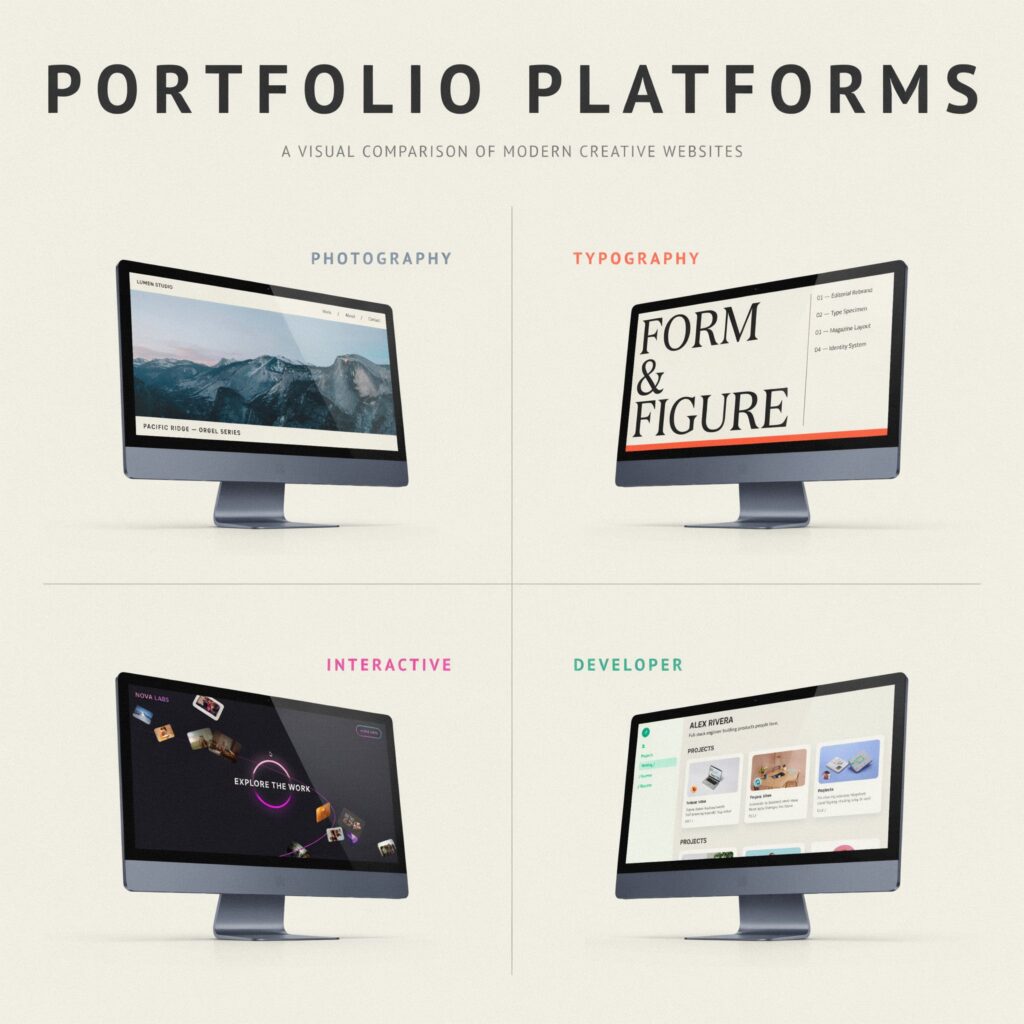
Best Platforms for Graphic Design Portfolios
Behance
Pros
- Large design community
- Free to use
- Strong visibility
Cons
- Limited customization
- Competitive environment
Best For
Students and freelancers seeking exposure.
Dribbble
Pros
- Professional audience
- High-quality design community
Cons
- Less detailed project presentation
- Limited free features
Best For
UI, branding, and visual designers.
Wix
Pros
- Easy setup
- Drag-and-drop builder
- No coding required
Cons
- Limited advanced customization
Best For
Beginners creating an online portfolio.
Webflow
Pros
- Highly customizable
- Professional appearance
- Strong performance
Cons
- Learning curve for beginners
Best For
Designers seeking complete creative control.
Graphic Design Portfolio Examples
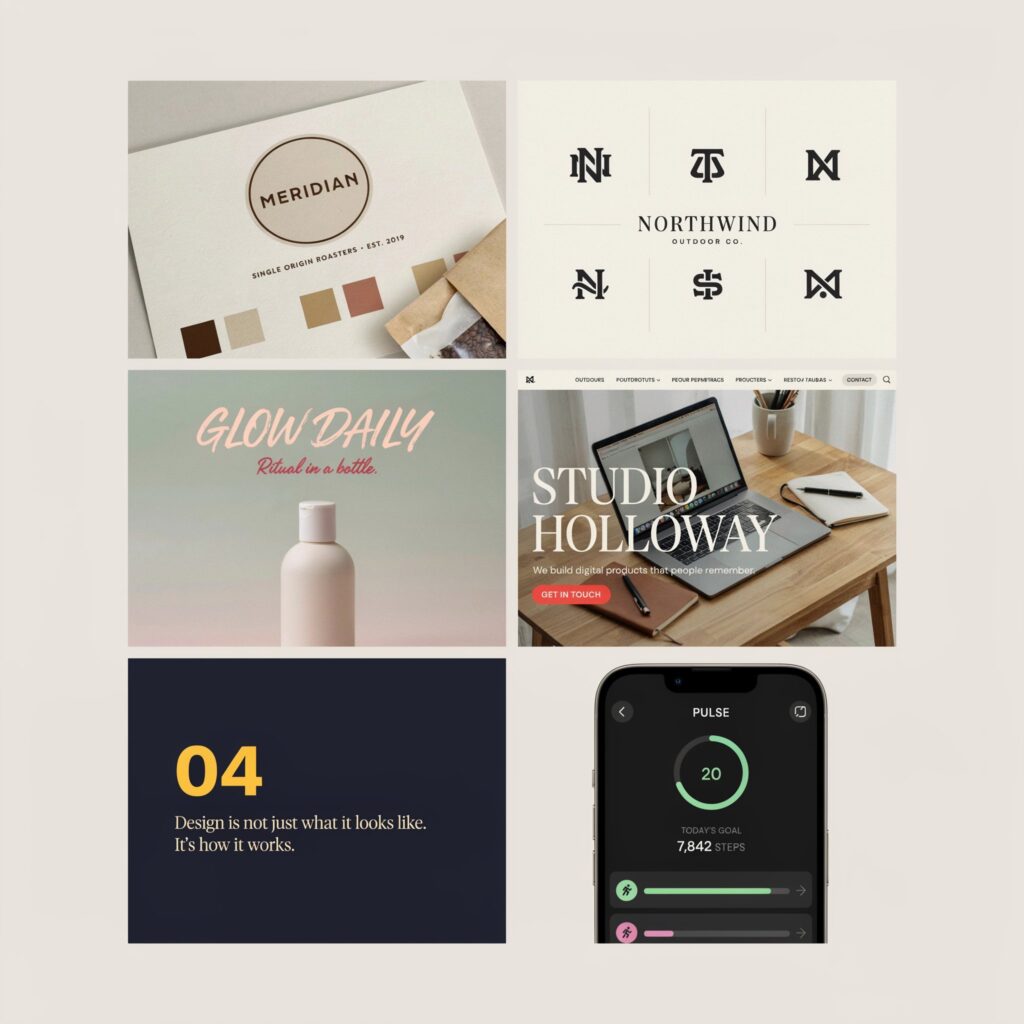
Different designers need different portfolio structures.
Student Portfolio
Focus on:
- Academic projects
- Practice work
- Personal experiments
Freelancer Portfolio
Show:
- Client projects
- Testimonials
- Results
Agency Portfolio
Include:
- Team projects
- Large campaigns
- Multiple service categories
Branding Portfolio
Highlight:
- Logo systems
- Brand guidelines
- Visual identities
Social Media Portfolio
Display:
- Campaign designs
- Ad creatives
- Content strategies
Logo Design Portfolio
Present:
- Logo concepts
- Brand applications
- Mockups
Many successful agencies, including AdTaxify, use specialized portfolio sections to showcase expertise in different service areas.
Common Graphic Design Portfolio Mistakes to Avoid

Avoid these common errors:
Too Many Projects
Showing everything can dilute quality.
Poor Image Quality
Low-resolution visuals make work appear unprofessional.
Missing Project Descriptions
Without context, viewers may not understand your contributions.
Outdated Work
Remove projects that no longer represent your current skill level.
Weak Contact Information
Make communication easy and visible.
Copying Other Designers
Inspiration is helpful, but originality is essential.
Tips to Make Your Portfolio Stand Out
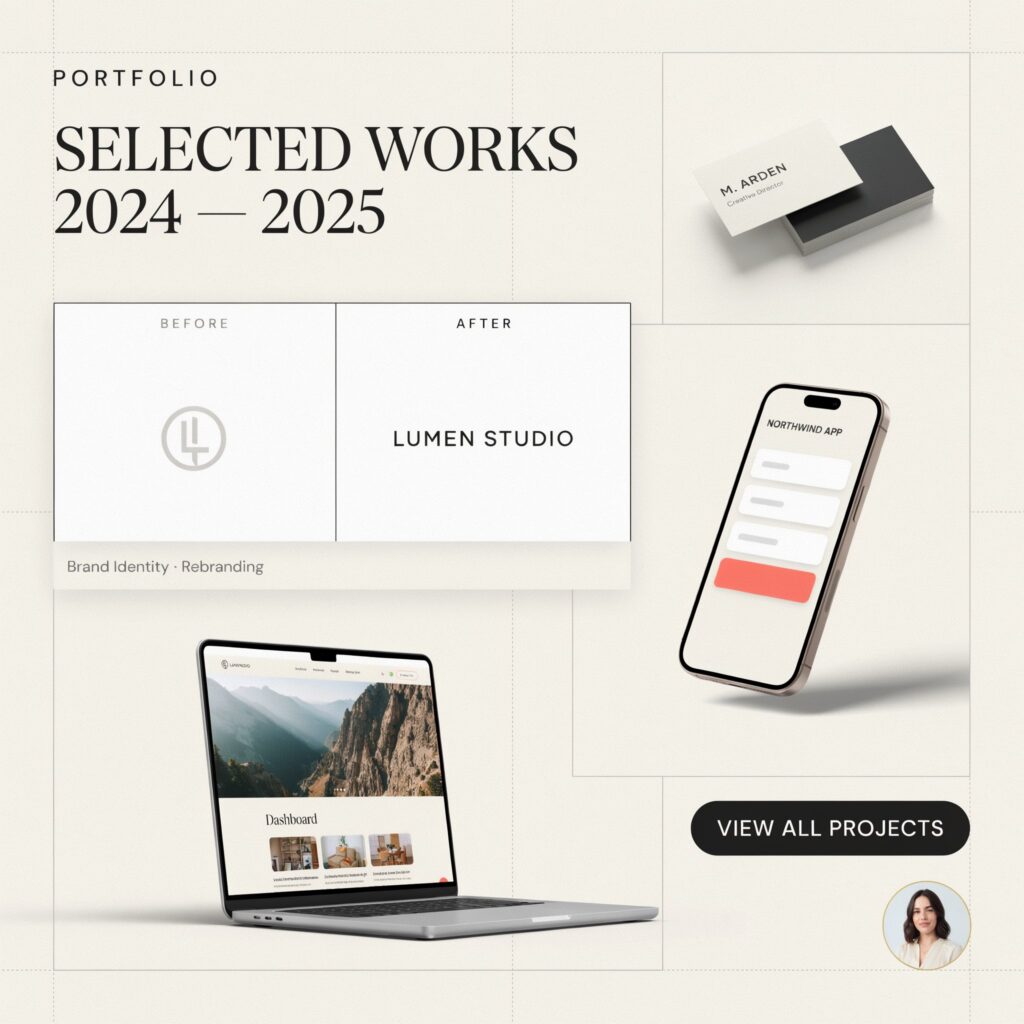
Show Your Design Process
Clients appreciate understanding how you think.
Include Before and After Examples
These demonstrate the impact of your work.
Use Realistic Mockups
Mockups help present designs professionally.
Keep Branding Consistent
Your portfolio should have a cohesive visual identity.
Update Regularly
Fresh content signals active professional growth.
Include Measurable Results
Whenever possible, include metrics such as:
- Increased engagement
- Improved conversions
- Higher brand recognition
Results make your work more convincing.
How Often Should You Update Your Portfolio?

Portfolio maintenance is essential.
Students
Update every 2–3 months as new projects are completed.
Freelancers
Update monthly or after major client projects.
Agencies
Update continuously to reflect current services and achievements.
Regular updates help maintain relevance and improve credibility.
Graphic Design Portfolio Checklist
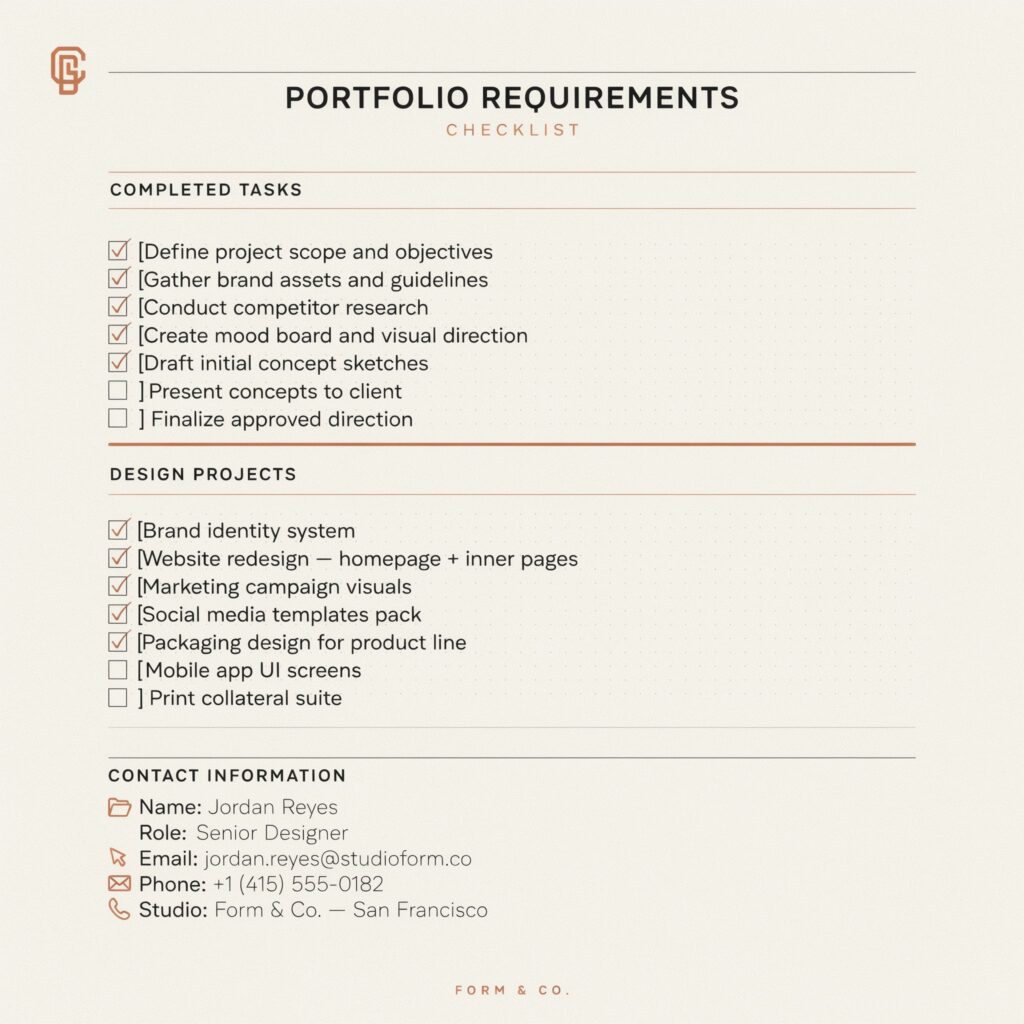
Before publishing, confirm that your portfolio includes:
- Professional About section
- Best projects only
- Detailed case studies
- Contact information
- Client testimonials
- Mobile-friendly design
- Updated content
- Consistent branding
- Clear navigation
- Strong project descriptions
Use this checklist every time you review your portfolio.
Final Thoughts

Learning how to create a graphic design portfolio is one of the most valuable investments you can make as a designer. Your portfolio acts as a digital resume, marketing tool, and personal brand all in one place. Whether you are a student, freelancer, agency owner, or experienced professional, a strong portfolio can help you attract clients, secure job opportunities, and demonstrate your expertise.
Focus on quality rather than quantity, showcase your best work, explain your design process, and keep your portfolio updated regularly. By following the strategies outlined in this guide, you can successfully create a graphic design portfolio that reflects your skills and supports your long-term career growth.
Call to Action (For Website)
🌐 Visit: www.adtaxify.com
📞 Call/WhatsApp: +923-398-781-542 |+923-322-623-58